Today on one screen. Every month on one page.
The dashboard shows what needs you now. Reports show how every part of the school did, by day or by month, compared with the period before, with the people to act on first.
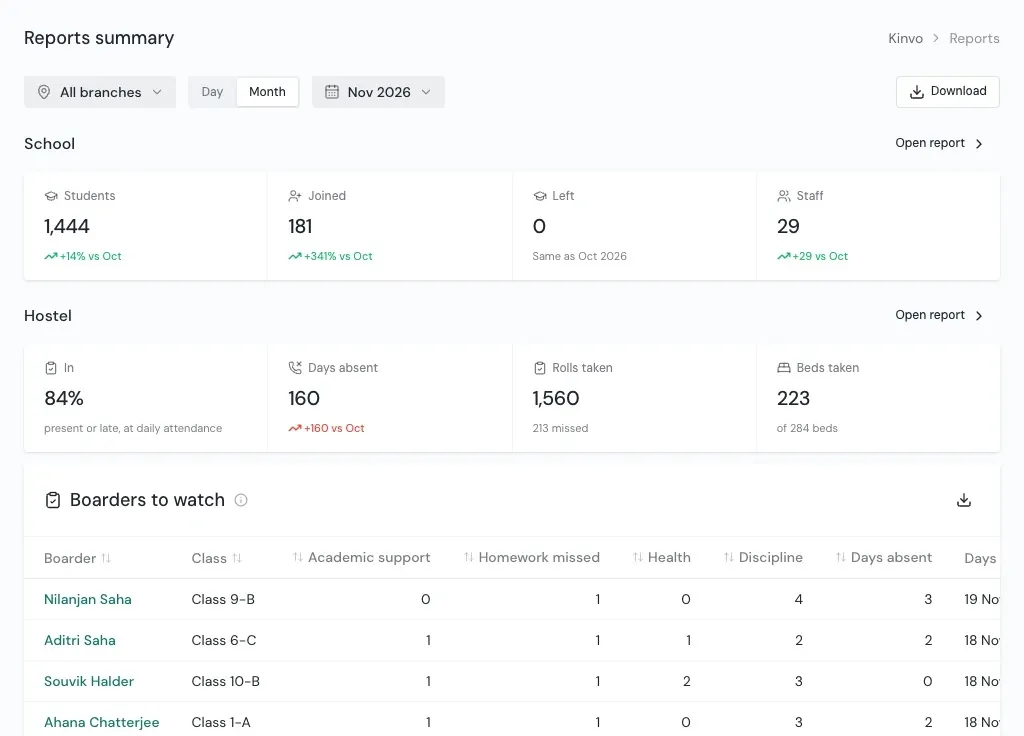
The dashboard
The first screen after you sign in.
Every card opens the full screen behind it, and you only see the cards for what you may use. Start on all branches, or pick one.
- Students
- How many are at the school now, and how many joined this month.
- Daily attendance today
- Boarders in at today's primary roll, and how many rooms have been taken.
- Rolls to take now
- Room roll calls due now, with the room teacher. An overdue one says Overdue.
- Absent and to watch today
- Boarders absent at today's rolls, and those marked for health, homework or discipline.
- Inside now
- Who is inside the school, and whom they came for.
- Calls home
- Which calling windows ran or are coming, and the latest calls.
Reports
Every part reports by day and by month.
Pick a branch, then Day or Month. Each figure shows how it compares with the period before, such as +14% vs Oct. Switch any chart to a table, and download the page as CSV for Excel or Google Sheets.
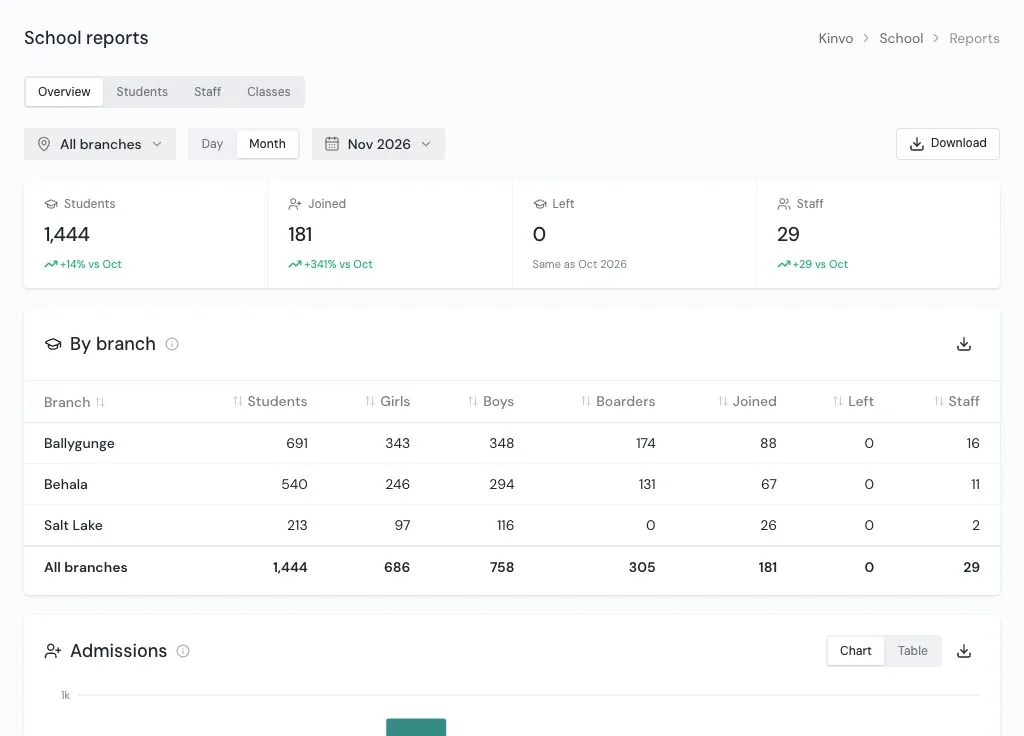
School
Students, staff and classes by branch: admissions, leavers, girls and boys, boarders, month by month.
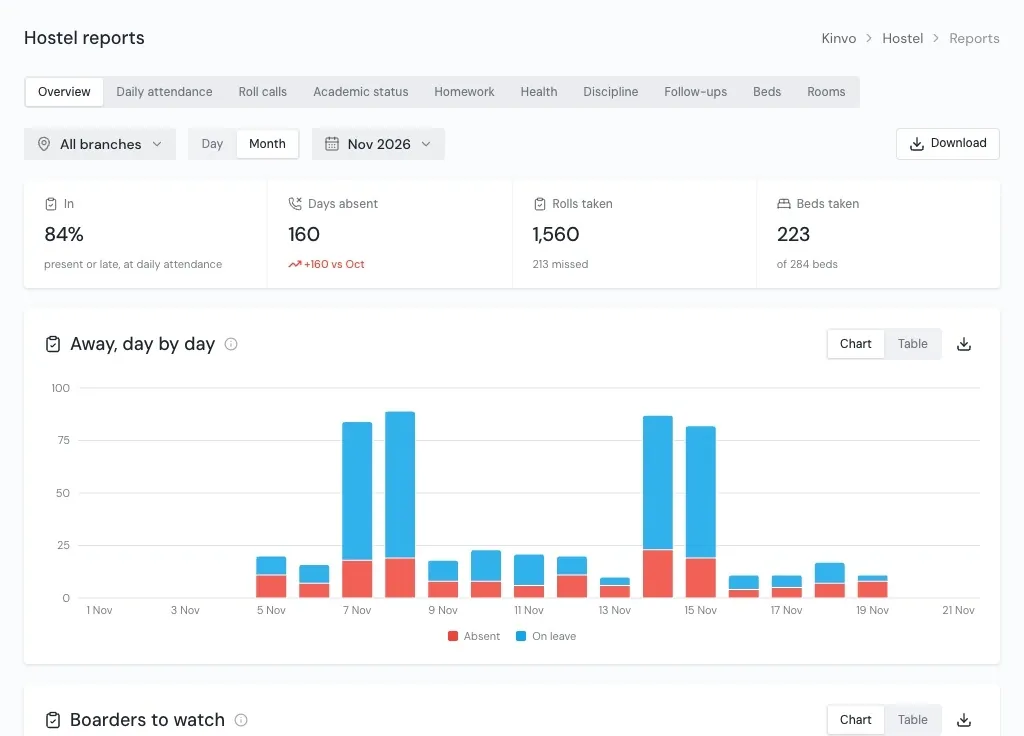
Hostel
Attendance, every roll, academic status, homework, health, discipline, follow-ups, beds and rooms.
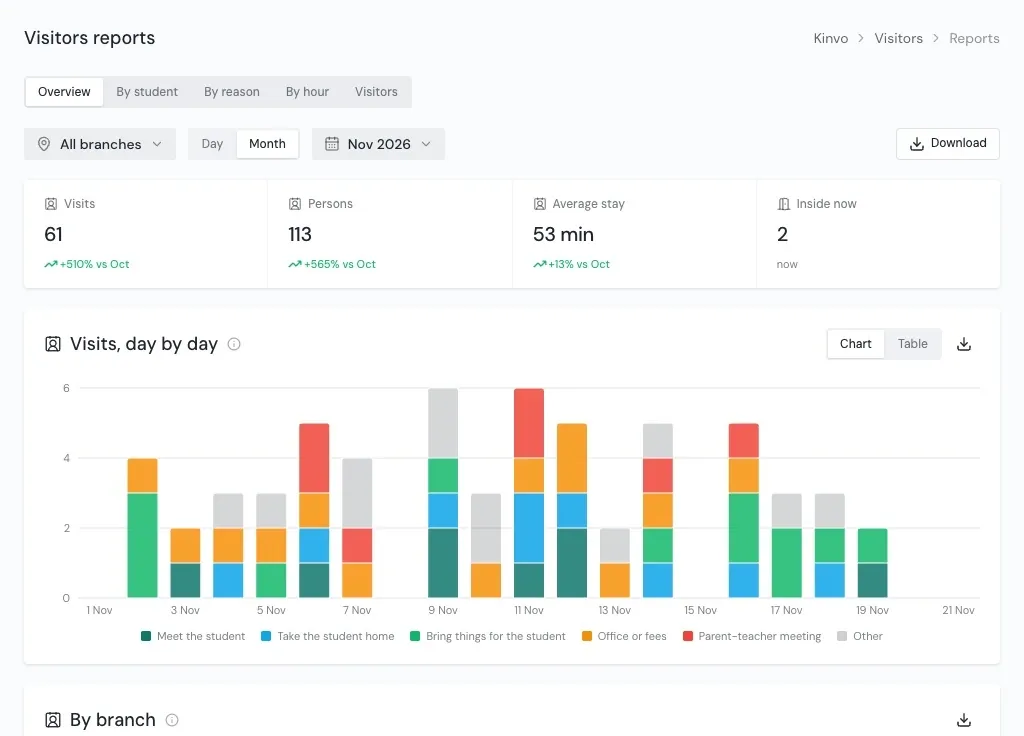
Visitors
Visits and persons by day, branch, reason, hour and student, with the average stay and the gate's busy hours.
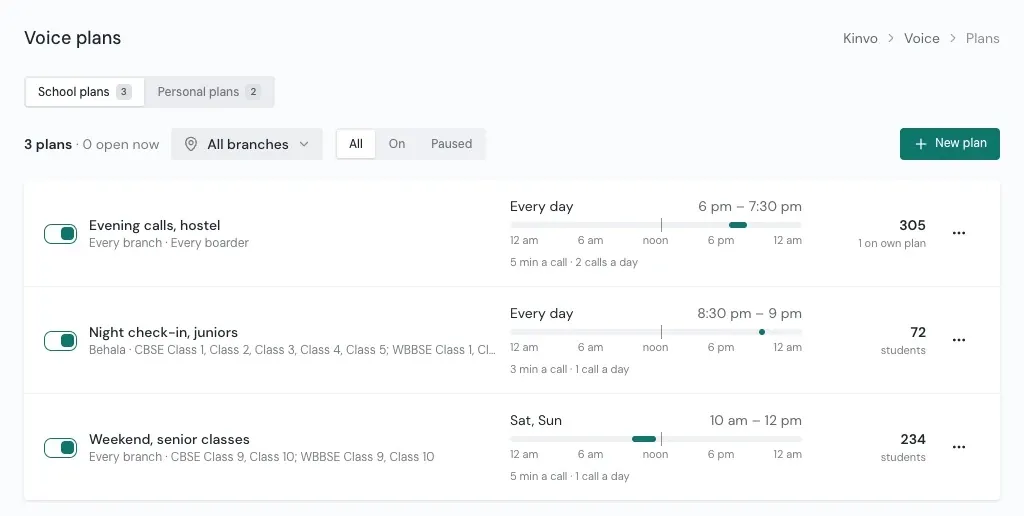
Calling home
Calls home by day and branch, and the calls not getting through, with the students they belong to.
Made to act on
The list of who needs attention comes first.
Boarders to watch
The boarders with the most absences and concerns in the period, each with their counts and a strip of their days.
Not getting through
Calls home that did not connect, and whose they were, so the office can check a family's number.
How to read it
Every chart carries a note on how to read it. The colours mean the same thing on every screen.
Questions
About reports
Can reports be downloaded to Excel?
Can we see one branch at a time?
Does everyone see every report?
See Kinvo with your own student list.
Send us the Excel file you use today. We import it and walk you through your own school on a call.